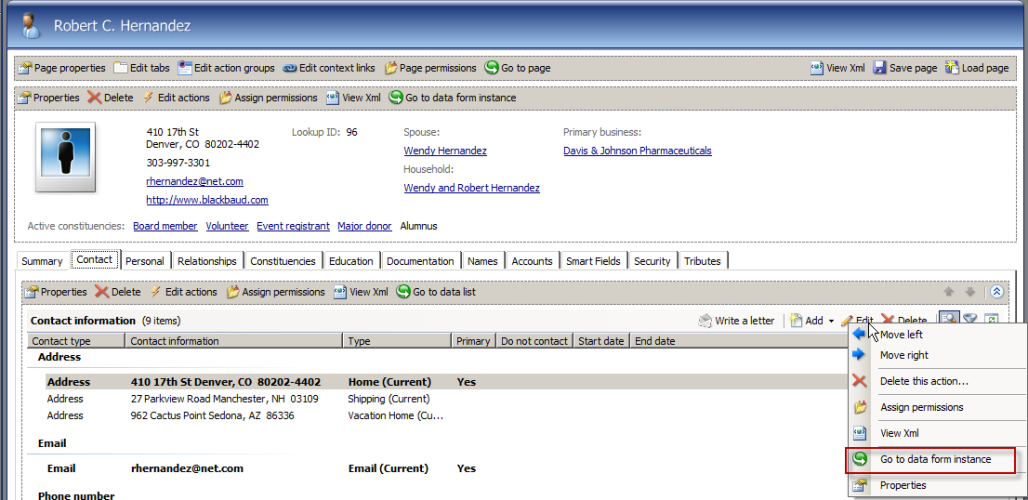
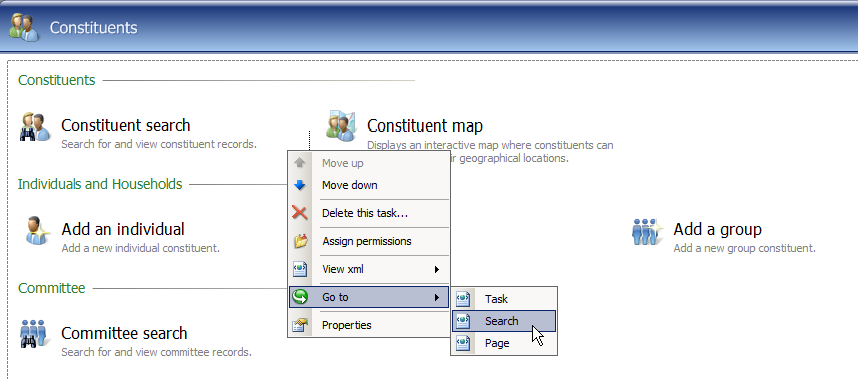
Use "Go to" to View Metadata for a Feature
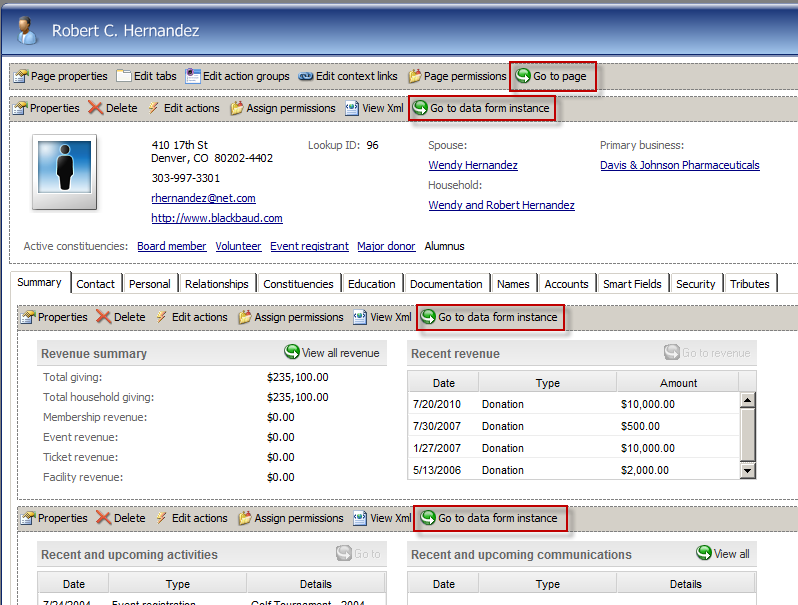
A very handy way to view the catalog information on a specific feature is to place the Infinity shell into Design Mode and start looking for a button or menu item prefixed with Go to associated with the feature. For example, on the Constituent page, I can click the Go to page button to navigate to the metadata for this page. Or I can click the Go to data form instance button above the summary view form.
In Design Mode, you can right-click actions on the page and tasks within a functional area to reveal popup menus with Go to menu items.