Scan Tickets from Sales
-
From Sales, select Scan tickets.
Note: You can also scan tickets from the Daily Sales page. To do this, you must first activate the default daily sales button, Scan tickets. To activate the button, from Tickets, select Configure daily sales buttons, under Configuration.
-
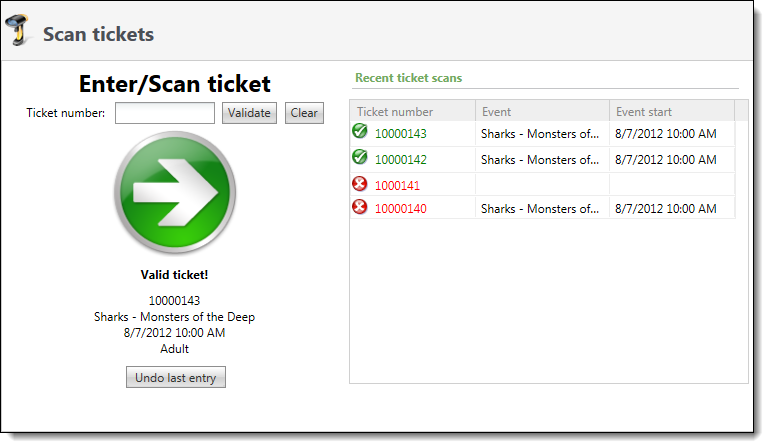
Scan the ticket or manually enter the ticket number and select Validate. Under Recent ticket scans, you can view the last ten tickets scanned.
-
Verify the information. If the ticket is invalid, you have the option to override the scan and allow entry. You can also undo the last valid entry in case the ticket information does not match the patron's information. To do this, select Undo last entry.