Edit Fields
-
Navigate to the Program Setup > Custom Forms > Form Fields tab.
-
Select the ellipsis icon next to the item and then Edit.
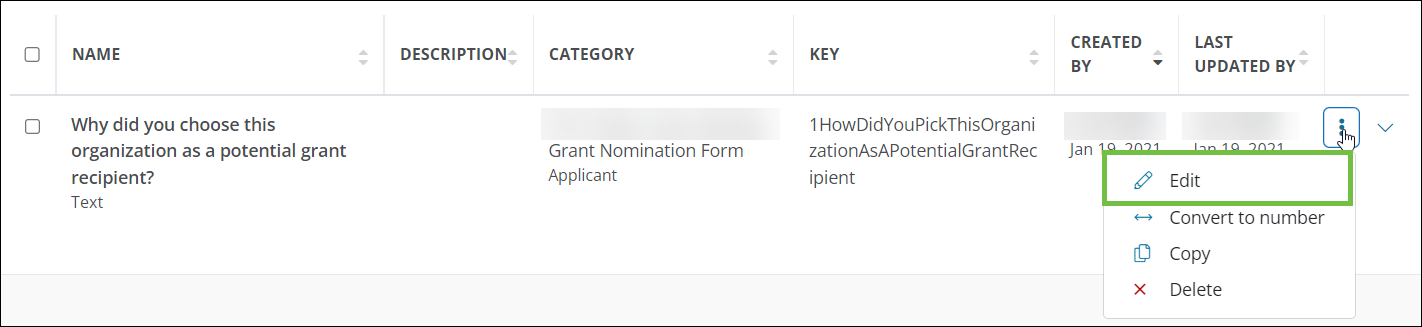
-
In the Edit Form Field screen, make any changes as needed.
-
Save your changes.