Build Eligibility for Giving Overrides Report
This report shows all organizations whose Eligible for Giving status has been overridden internally by Blackbaud Compliance.
-
Navigate to the Reporting area.
-
In the Reporting table, search for Eligibility for Giving Overrides or select Compliance from the dropdown to view all related reports.
-
Click on the report name to open it.
-
On the Eligibility for Giving Overrides page, click on the Refresh icon to generate the report.
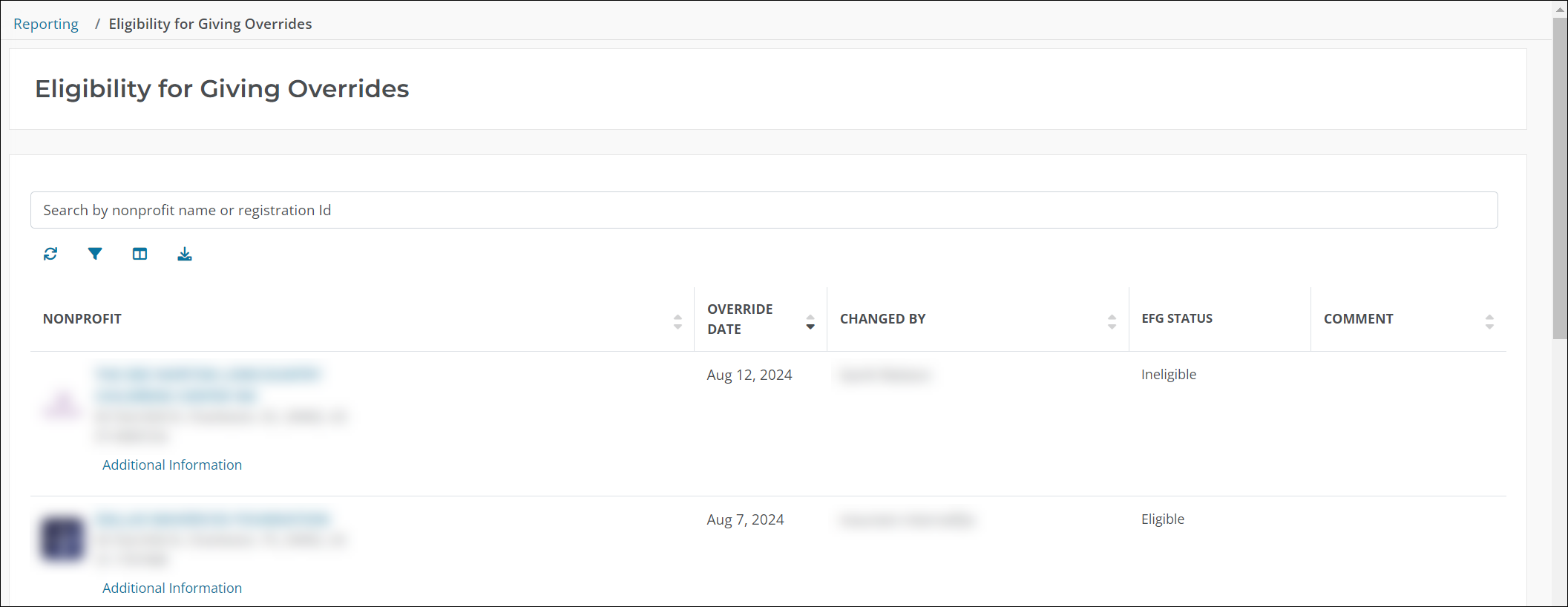
Tip: You can search for specific nonprofit organizations by nonprofit name or Registration ID. The report can be further customized by clicking on the Filter on and applying filters for Changed By, Comment, Override Date, or Status.
Note: To download a copy of the report as an Excel or CSV file, click on the Download results icon.