Action Strategies
Action strategies help fundraisers show up prepared for the outreach they’re doing next. They surface the most relevant donor context for actions due today or coming soon, so fundraisers can prepare and act without navigating multiple pages.
Each action strategy creates a personalized preparation guide for an upcoming action. It brings together recent activity, key donor signals, communication preferences and consent, and related opportunities or cultivation plans. Action strategies can also generate optional content, such as talking points, agendas, or drafts, so you can prepare for and complete the action in one place.
In Raiser’s Edge NXT, action strategies are accessed from Prepare for actions because the focus is readiness. Before you make a call, send an email, or walk into a meeting, action strategies help you understand what’s changed, what matters most right now, and how to approach the conversation—so you can act with confidence instead of doing last-minute research.
Tip: Action strategies are a Premium feature available to organizations on Raiser’s Edge NXT Complete. Get started with premium features by taking our tutorial!
Before You Begin
Action strategies are available by default to fundraisers who use Work Center in accounts with access to Premium features. No setup is required for eligible users. Action strategies require Blackbaud AI to be enabled for your environment.
Enable Generative AI Features
Before you can use Action strategies, your organization admin must opt in to generative AI features in your Blackbaud environment. Once enabled, the authorization applies to all current and future generative AI features across your Blackbaud products.
For details, see Opt In to Generative AI Features Globally help.
If your organization doesn’t opt in, it remains opted out by default and you won’t be able to use this feature.
Navigate to Action Strategies
You must be a fundraiser with open actions to access action strategies.
-
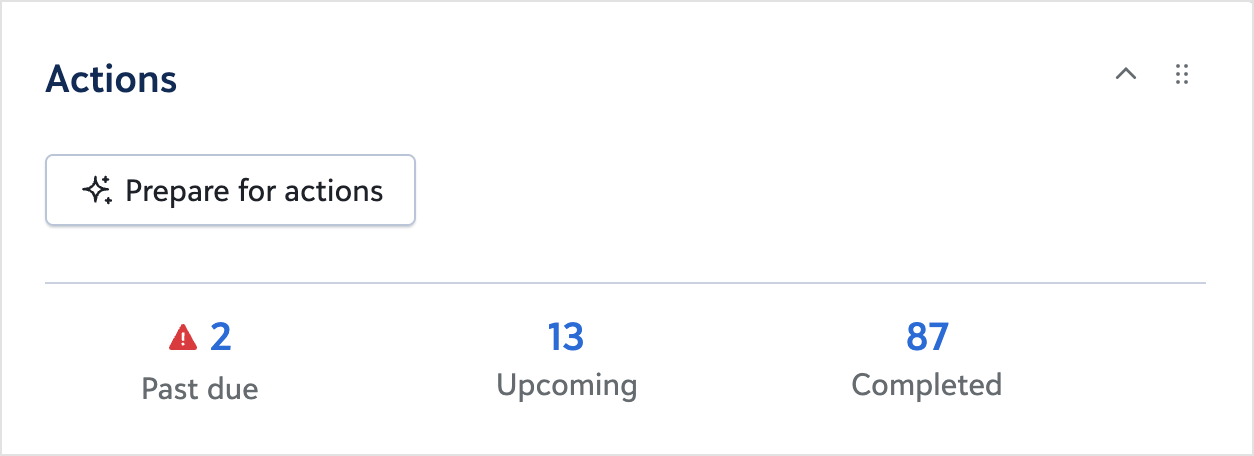
From Work Center, select Prepare for actions in the Actions tile.
-
From the Home page, select Action strategies in the My actions tile.
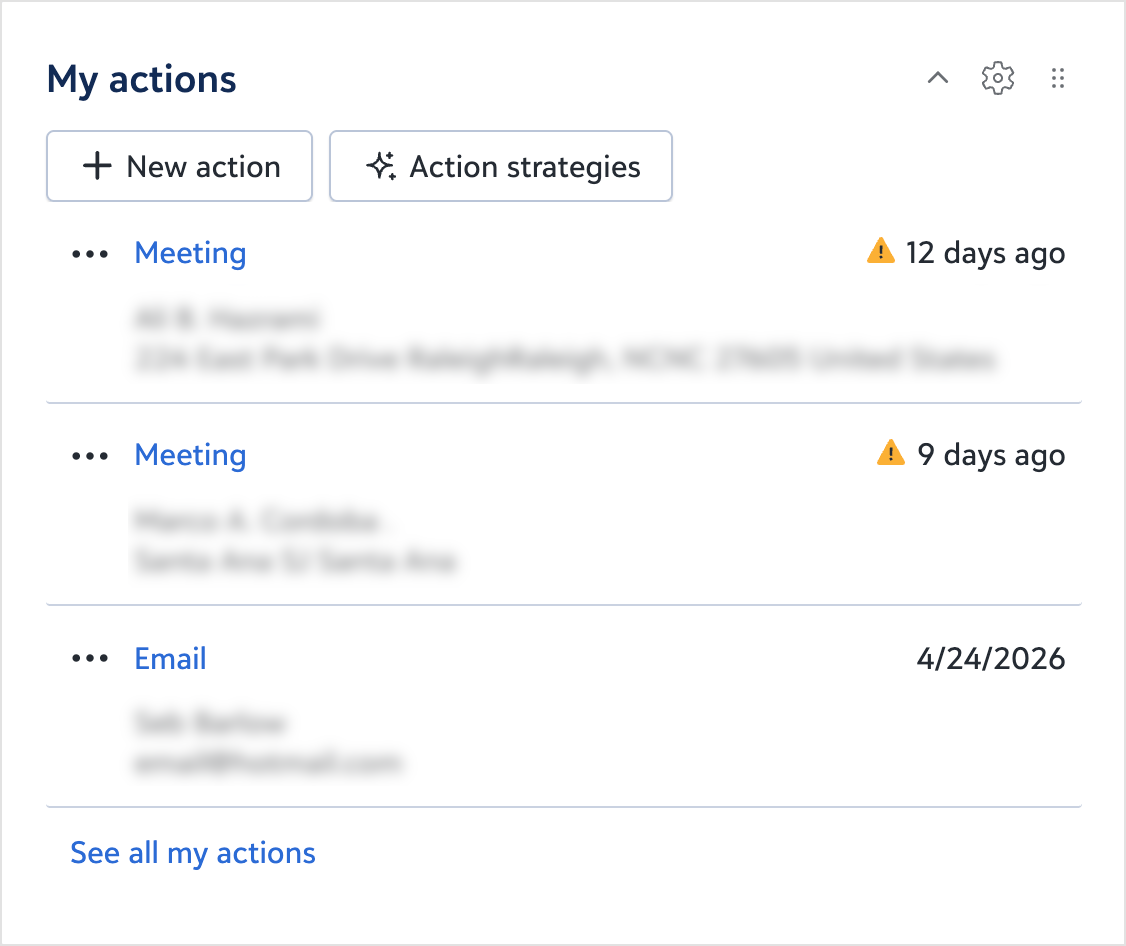
If you don’t see the My actions tile, customize your Home page to add it.
What You’ll See in Action Strategies
Action strategies can include:
-
An action card with the action type and category, linked opportunity, and a plain‑language summary of the outreach.
-
A clear recommendation, such as whether to proceed, pause, or cancel.
A recommendation to pause can appear when new context is detected — such as a recent gift, opportunity change, or other update that suggests adjusting timing or approach.
Although uncommon, a cancel recommendation means the system has identified a reason this outreach should not occur at all, not just at this time. Common reasons include the constituent opting out of a specific communication channel, such as email or phone, an active solicitation code that restricts outreach, or the constituent being marked as deceased. If this seems incorrect, review the constituent’s consent settings, solicitation codes, and status. Any updates you make apply the next time the recommendation is generated.
Action strategies can also provide options to generate or regenerate content for the action, such as talking points or email copy.
An Action plan section may appear, summarizing recent interactions and scheduled actions that could be affected by changing the current action.
Tip: This action plan is different from the Action plans feature, which is an AI-generated cultivation sequence tied to an opportunity and staged backward from an ask date or deadline.
Action strategies also surface constituent highlights, such as new gifts, status changes, or other updates. These highlights are scoped to changes since the last time you interacted with the record, so the information stays focused on what’s new and relevant.
Use Action Strategies Day to Day
-
Start with actions that are due or coming soon, so you’re working the queue that matters most right now.
-
Use action strategies as a final preparation step by reviewing surfaced signals and confirming there aren’t recent changes that would make outreach inappropriate.
-
Use generated content as a starting point, then adjust it to match your voice and the donor relationship.
-
Complete the action within the experience when possible to reduce context switching.
Action strategies are intentionally focused on near-term actions, helping you stay prepared without reviewing your entire action list.
Filter the Action Strategies Queue
If available in your view, action strategy filters help you find specific actions. For example, you can scope the date range to one week before today through two weeks after today to keep the view focused on what’s immediately relevant.
For Admins: How to Support Success
Action strategies work best when data is clean and consistently maintained. High‑quality signals, tags, engagement tracking, and preferences help improve recommendations.
Encourage consistent use of actions, opportunities, and cultivation plans so action strategies can connect outreach to the right context.
Action strategies operate within existing consent and communication preferences and don’t override governance rules already in place. Fundraisers remain in control of relationships — action strategies amplify judgment, they don’t replace it.