Branding for Online Giving Forms
When you can't embed a form on your website, add your organization's name, mission, and logo to help donors recognize and trust your brand. You can add branding to Standard Donation Forms
Add a Mission Statement
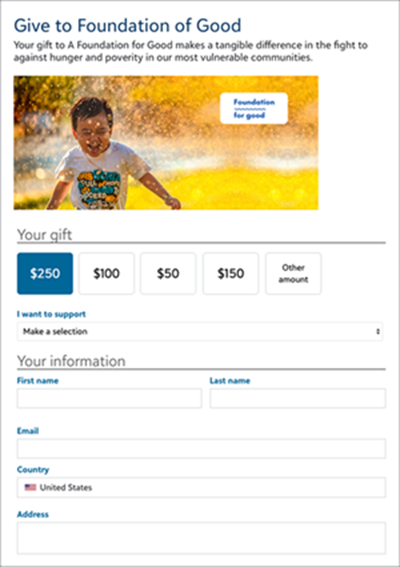
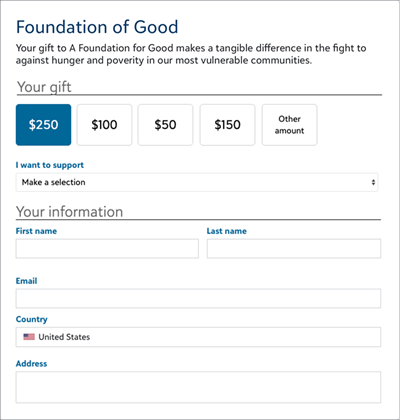
A mission statement conveys your organization's purpose and the reason for the fundraising effort.
To add a mission statement, create or edit a form:
-
From Online Giving, select Donation forms
-
Find the form and from its ellipsis, select Edit.
-
Under Form, select Content in the Form designer.
-
Select and drag Text only near the top of the form.
-
Enter your text and format it.
-
Select Done.
Add an Image or Logo
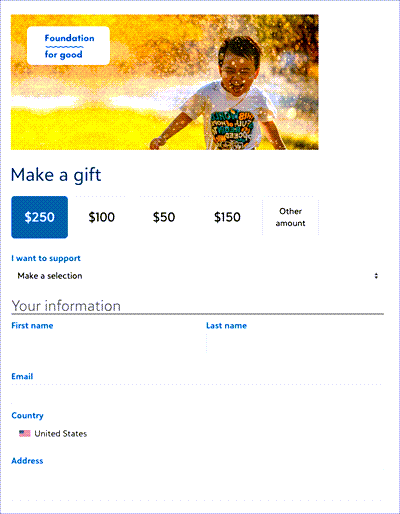
A logo or compelling image helps donors recognize your organization and reinforces your mission.
Tip: Images must be less than 2 MB.
To add an image or logo, create or edit a form:
-
From Online Giving, select Donation forms
-
Find the form and from its ellipsis, select Edit.
-
Under Form, select Content in the Form designer.
-
Select and drag Image near the top of the form.
-
Select Attach file to browse for the image.
-
Enter alternative text to describe the image.
-
Select Done.
 Mission statement and image