Assign a Thank-You
Schedule a thank-you action record for a specific constituent to ensure timely acknowledgment and strengthen donor relationships. If you don't have a "thank-you" action type, use one that represents sending a thank-you note. Add helpful context in the notes by elaborating in your prompt, such as: "Assign a thank-you action for Maria Johnson. She just made her first major gift."
-
Prevents missed thank-yous after gifts, events, or key interactions
-
Creates a trackable, assignable action for clear accountability
-
Reinforces consistent stewardship that supports long-term donor retention
If multiple constituents share the same or similar name, you may be asked to pick one before your question is answered.
 Tip: Include a due date in your prompt to set when the action should be completed, such as: "Create a thank-you action for [NAME] due [DATE]." If you don't specify one, the action date defaults to today.
Prompt
|
Assign a thank-you note action for [NAME]. |
Sample Response
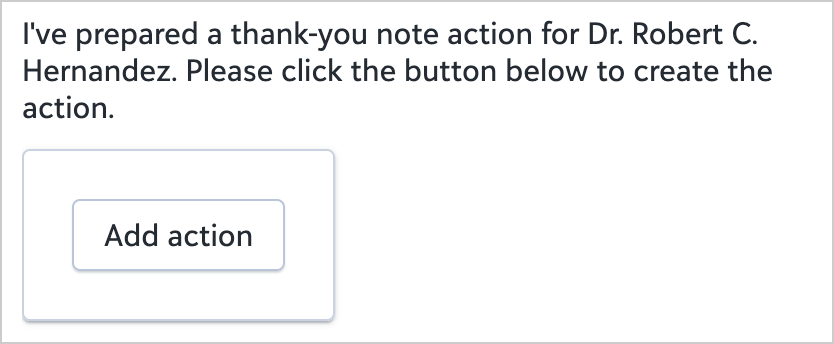
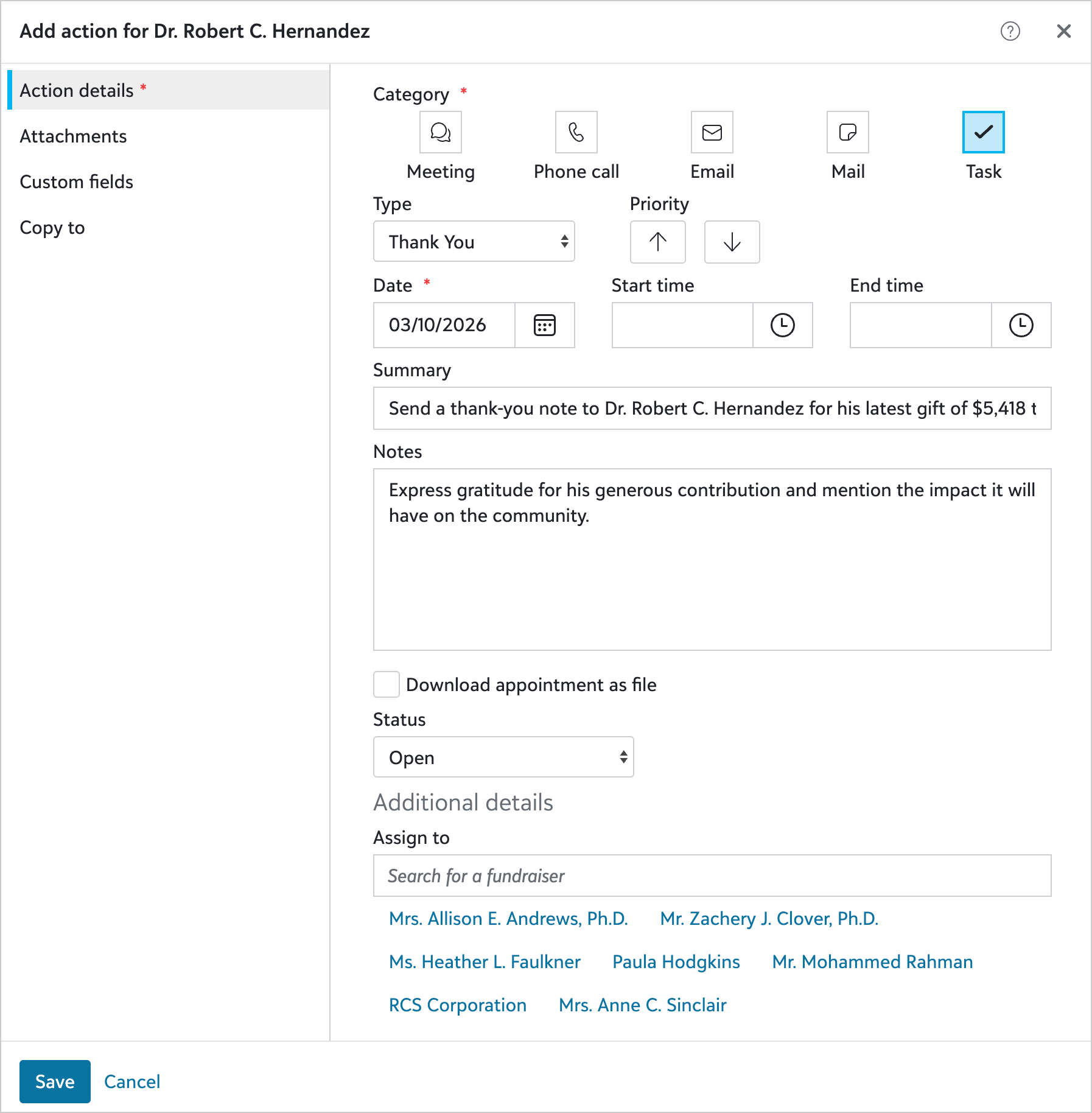
When you select Add action, the new action record appears with information prepopulated. You can adjust as necessary before saving the new record.