Locate Key Information Fast
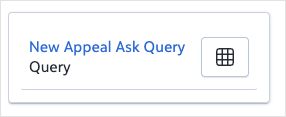
Quickly locate a previously saved report, list, or query without navigating menus. The name portion acts as the search term and matches against saved item names and descriptions, so you can get straight to the information you need.
Write the prompt like a search to get the best results:
-
Be specific with the name. For example, "Find the Annual Giving Analysis report" works better than "Find a report."
-
Use at least three characters. Very short names may not return results.
-
Partial names work if you don't know the exact title.
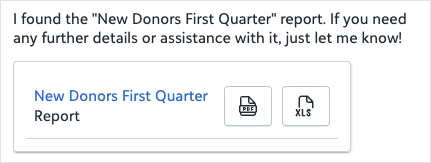
 Tip: You can open a report, list, or query directly from the chat, and for reports, you can also generate it instantly using the PDF or Excel icons
Prompt
|
Find the [NAME] report. |
Sample Response
Find report:
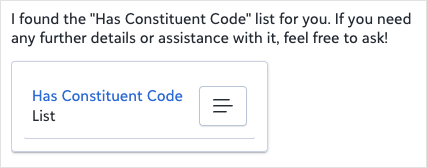
Find list:
Find query: