CRM'S SKY User Experience (SKY UX)
Explore a live preview of the SKY user experience for your organization's instance of Blackbaud CRM.
Enable the SKY User Experience
Currently, a live preview of this experience is available to all organizations:
When the preview is enabled, users can switch between their "classic" user interface and a modern SKY user experience as desired, for any functionality that exists in both views.
By default, the preview is enabled for admin users. Admins can enable the preview for other user via role security.
Learn how to:
Note: These roles only determine a user's ability to see the SKY user experience generally. To view specific information (such as addresses for constituents), you must also enable the corresponding permissions in the "classic" Blackbaud CRM. The SKY user experience respects the same security permissions as "classic" Blackbaud CRM. For details, see "Classic" System Roles.
Go to the SKY Experience
When the preview is enabled for your role and you log in, the "classic" experience of Blackbaud CRM appears.
Find your initials in the top right corner. The environments menu is directly to the left of these. Select Environments and then choose Open SKY experience.
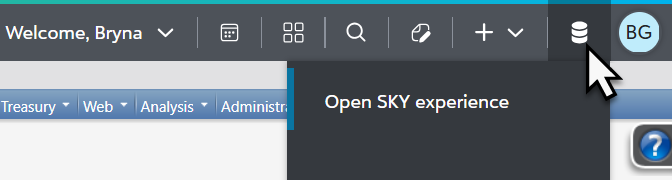
While in the SKY experience, if you navigate to a function that is currently only available in the "classic" experience, the system will automatically switch to the "classic" experience to continue your work. You can also manually switch to the "classic" experience at any time.
The "classic" experience remains the default for all users each time they access Blackbaud CRM. To see the preview again, return to the homepage or another feature with SKY available and reopen the SKY experience.
What's Available in the Preview?
The preview is a work in progress. As additional features become available in the SKY experience, they'll remain available in the "classic" experience as well.
-
View a list of key features and functions. Filter and search for specific items, including what's new. See what's available in the "classic" experience, the modern SKY experience, or both. Review what's planned, in progress, and already exists.
-
View a recording of the most recent product update briefing.
Dark Mode
While in the SKY user experience, you can now switch the view to Dark Mode. Users may prefer Dark Mode for:
-
Reduced eye strain,
-
Improved battery life for OLED devices,
-
Clean, modern view with minimal distractions,
-
Increased comfort,
Especially for users:
-
in low-light environments,
-
who spend long periods of time on screens,
-
with migraines,
-
with eye conditions.
-
Overview
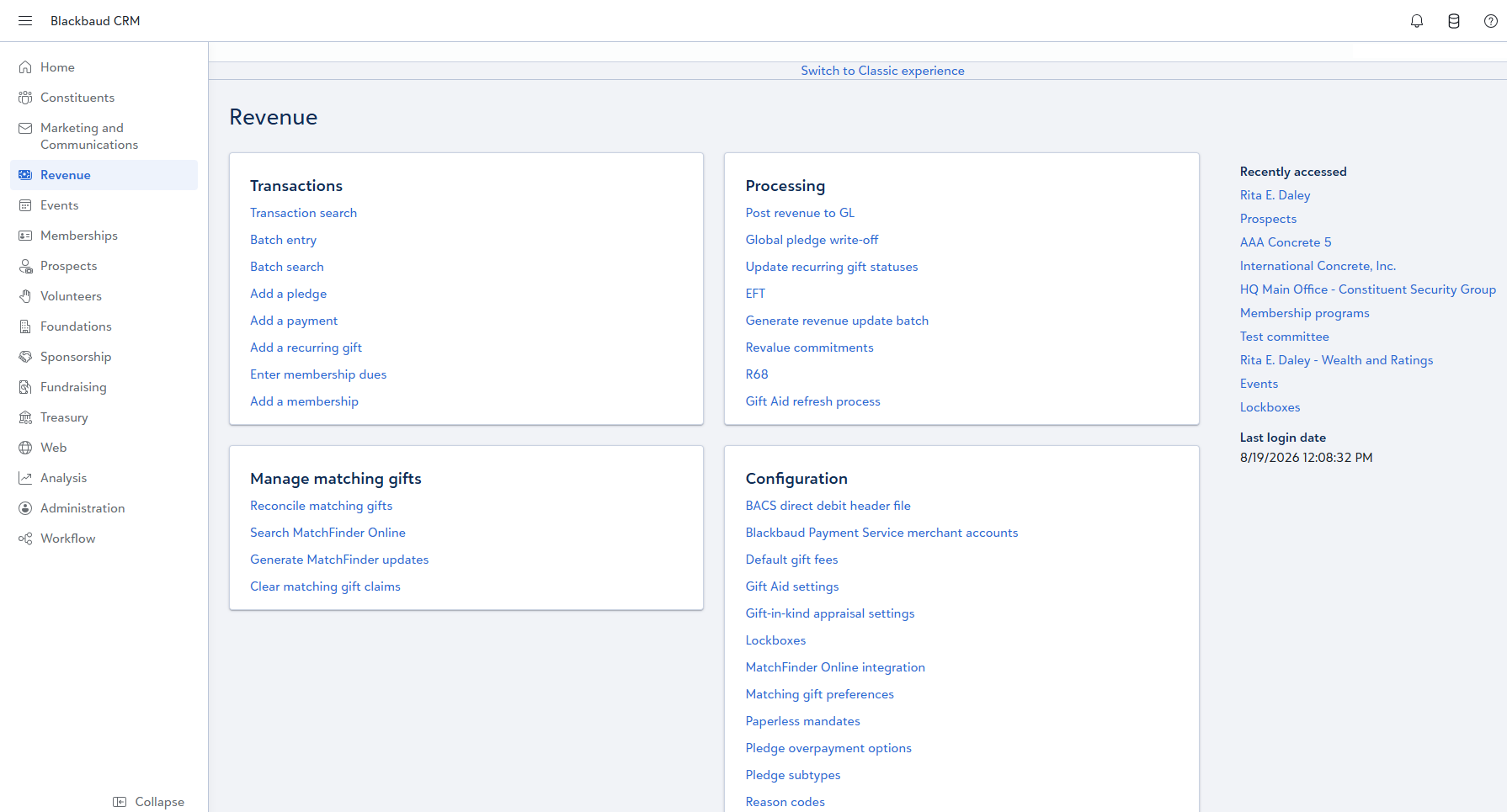
The preview currently focuses on constituent record and revenue information, including:
-
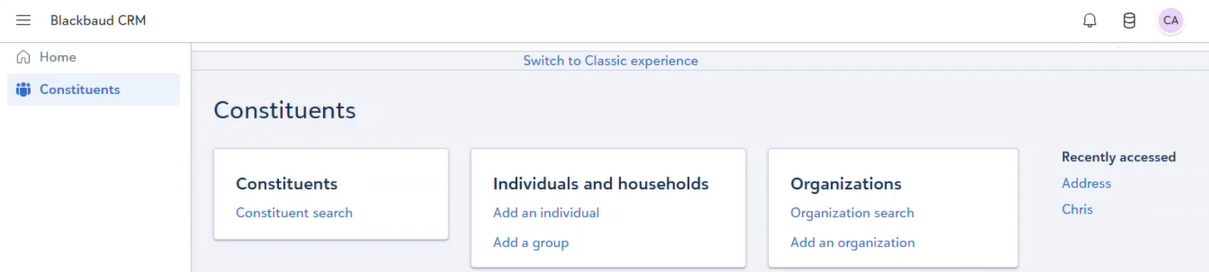
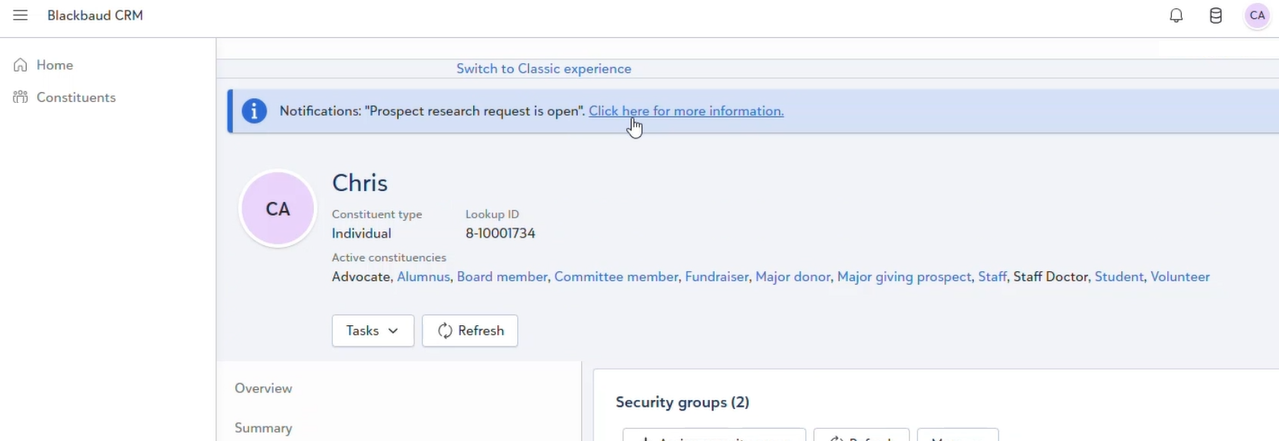
constituent home page
-
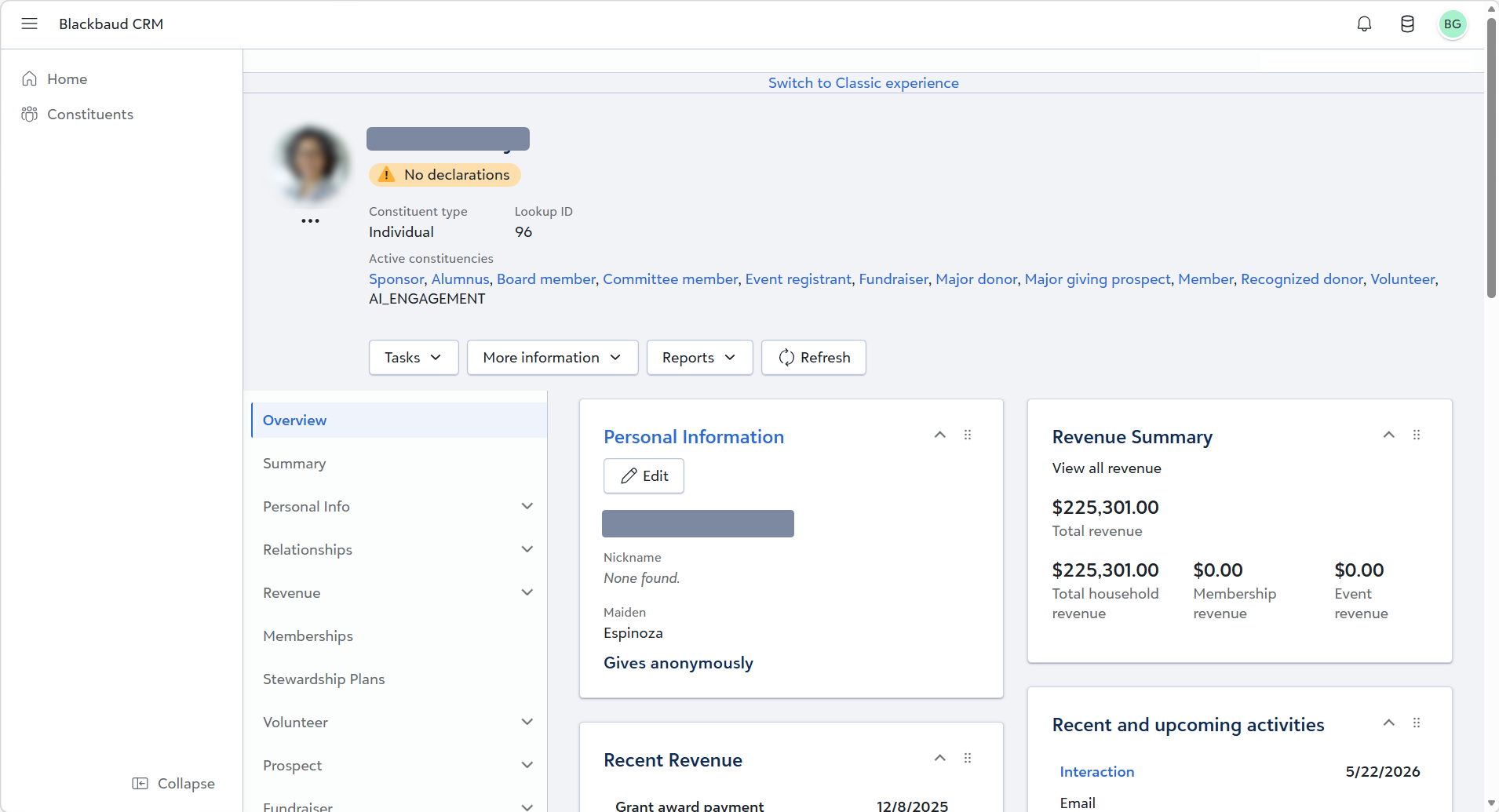
individual constituent profiles, including:
-
revenue,
-
education,
-
and customizizable tiles
-
-
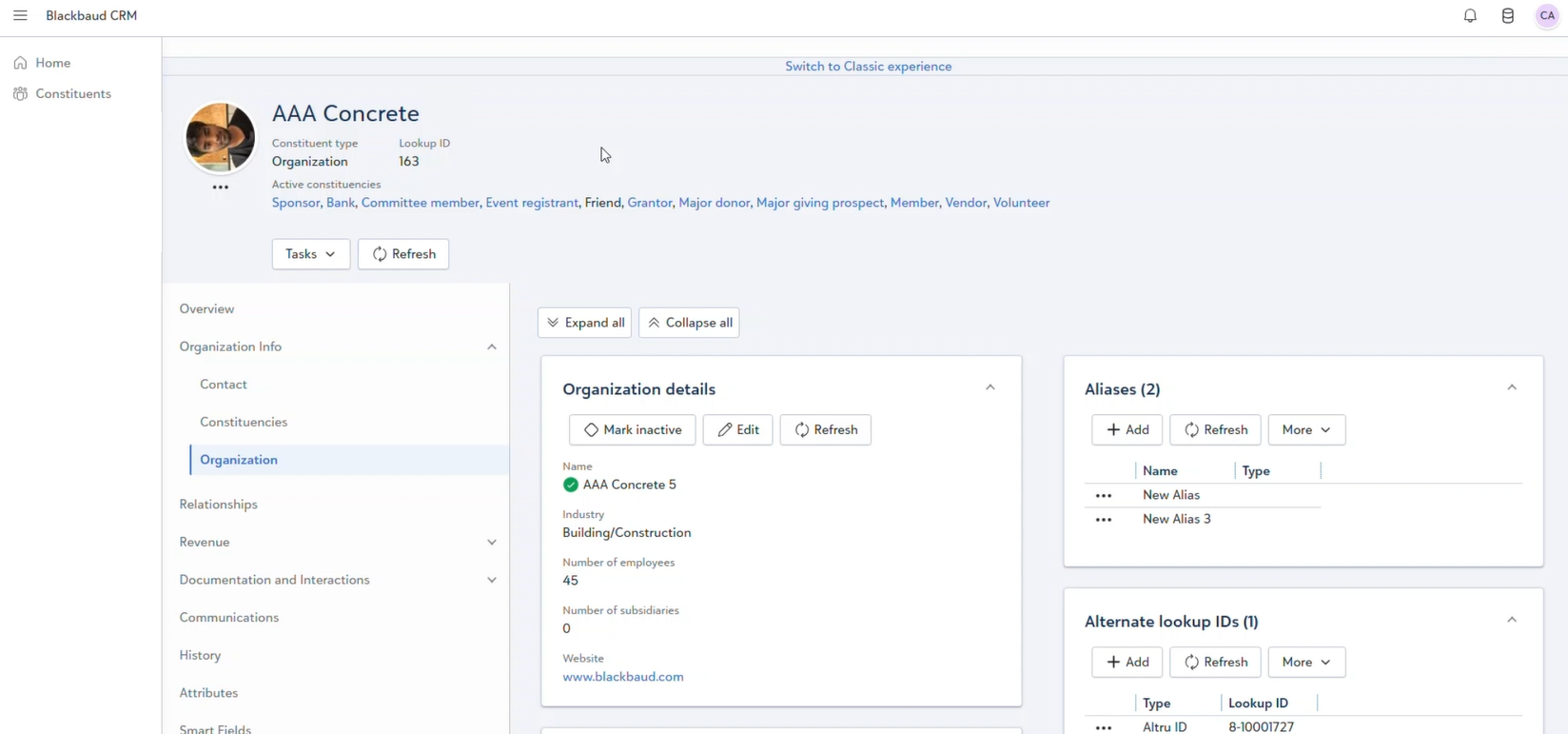
organization constituent profiles
-
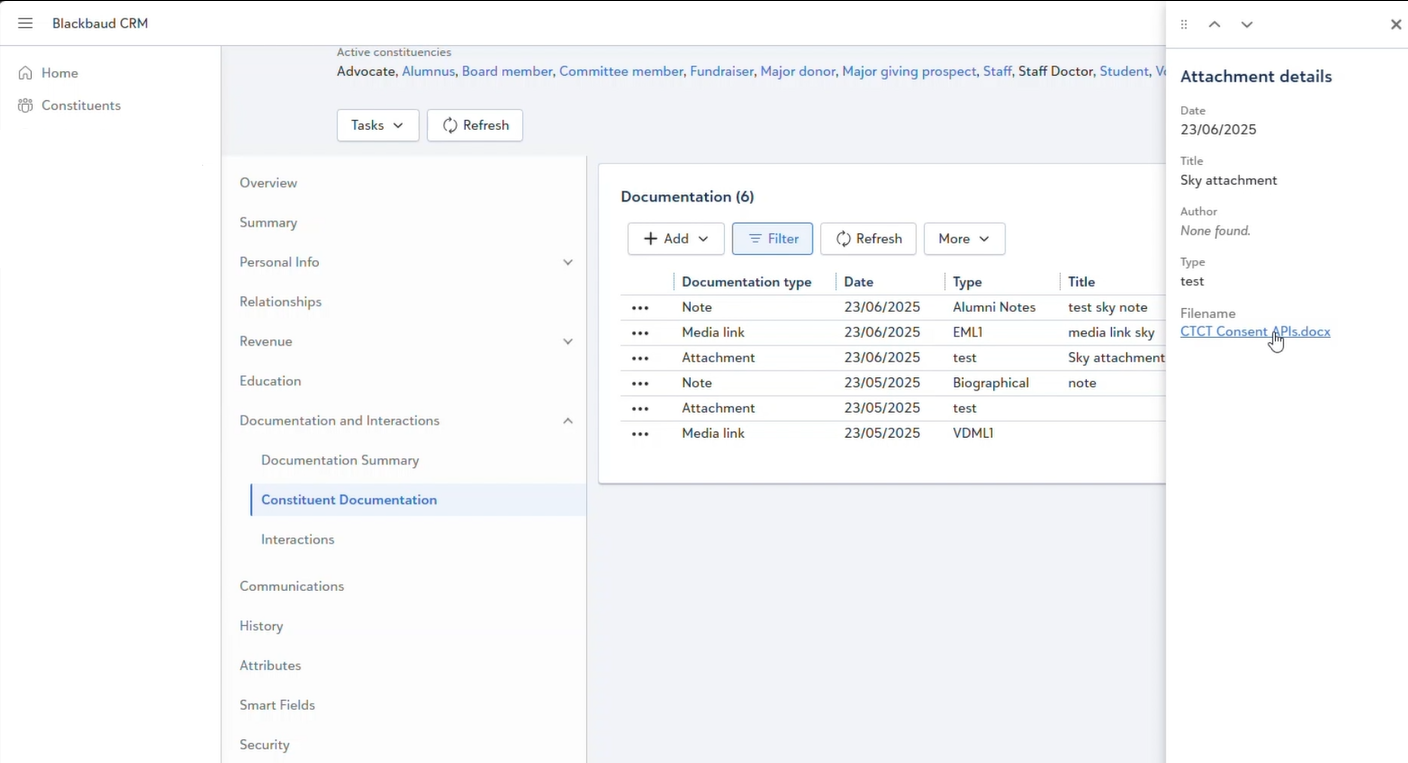
related information, such as:
-
addresses,
-
interactions,
-
notifications,
-
attributes,
-
documentation,
-
letters,
-
and more.
-
-
and revenue transactions, such as:
-
payments,
-
recurring gifts,
-
pledges,
-
planned gifts,
-
matching gift claims,
-
grant awards,
-
donor challenge claims,
-
auction donations,
-
and membership installment plans
-
-
Additionally, in Administration, attribute categories configured in the "classic" experience now render as attribute form extensions in the SKY experience.