Application Section 5: Submit the Application
In this section, you'll enter family school codes, review your application, enter your payment information, and submit the application.
Other than adding schools, you cannot edit your application after submitting. To make any other changes to a submitted application, contact the Parent Contact Center.
Note: For additional assistance, please reach out to the Parent Contact Center.
 Family School Codes
-
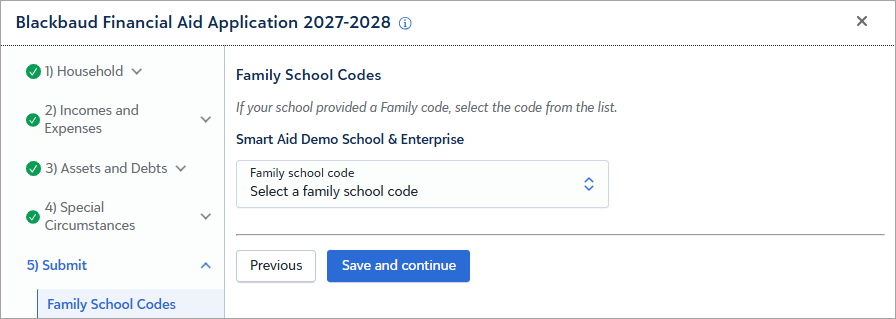
Your schools may use family codes to organize or group applications, such as New or Returning families.
Review
-
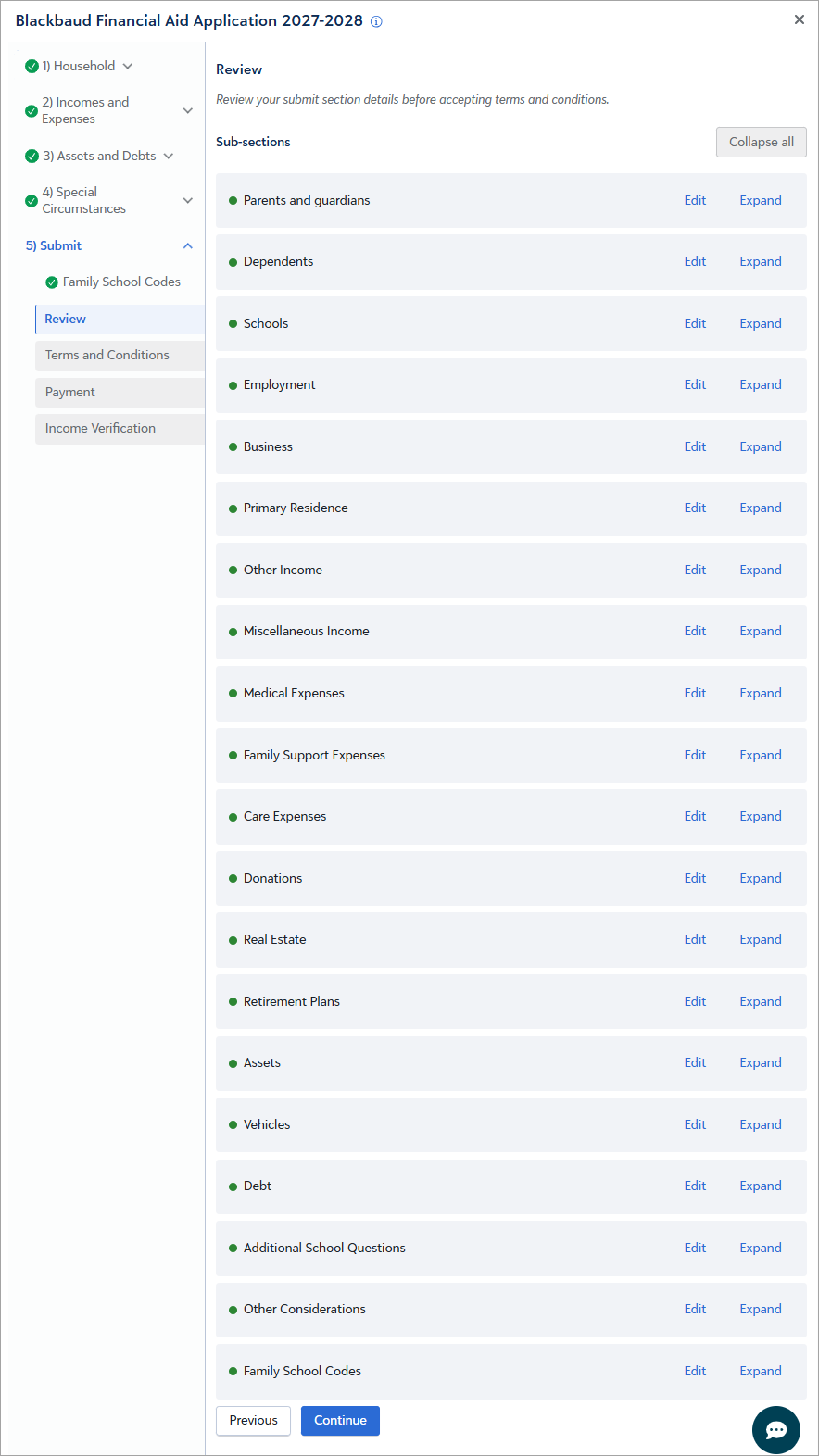
Select Expand to review your responses in any section of the application.
-
Select Edit to change your responses in a section.
-
When finished, select Continue.
Terms and Conditions
-
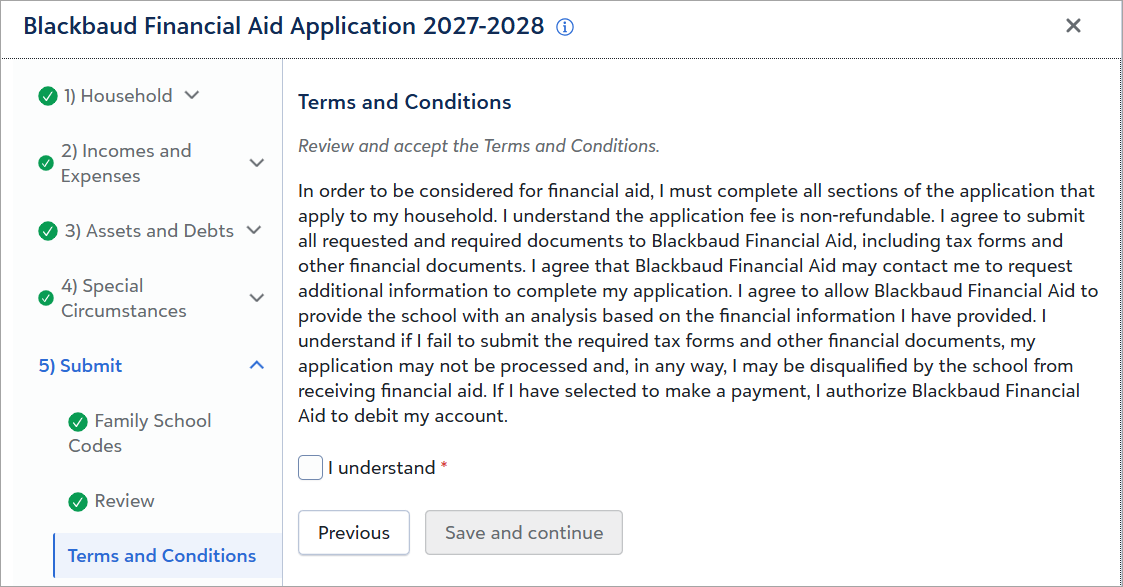
Review and accept the Terms & Conditions, then select Save and continue.
Payment
-
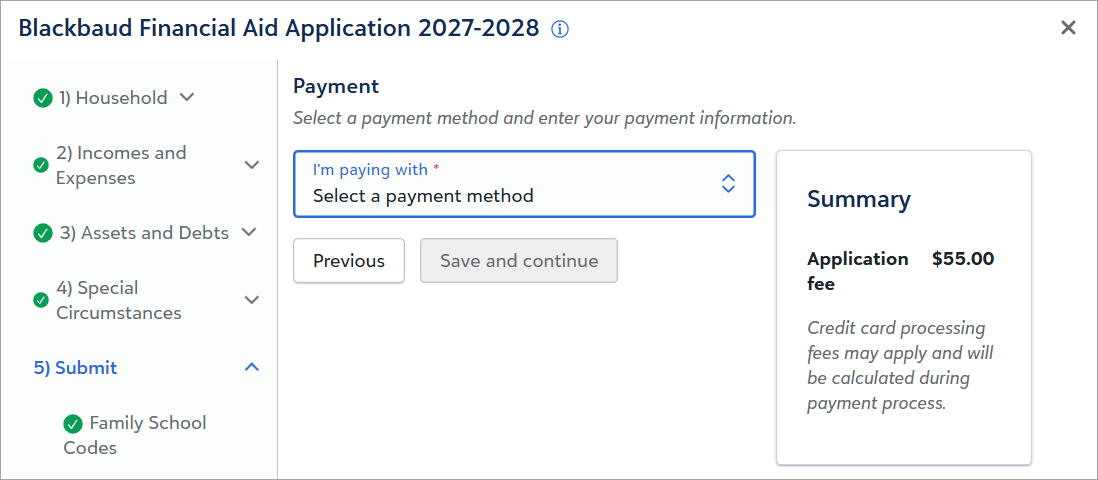
Your school's application fee may be greater or less than the amount shown in the example above.
-
Select to pay with a credit card or ACH payment. Then select Save and continue.
-
Enter and submit your payment information. A confirmation page is displayed when your payment is complete.
-
Any payment information you enter will not be retained by Blackbaud Financial Aid Management or your school.
Up next: Submit Application Documents and Check for IRS income verification requirements.