Add Form Fields with the Quick Add Tool
Use the Quick Add tool to add fields and standard components to a form without leaving the form-building workflow. Quick Add helps you build faster by letting you choose what to add, then rename or reorder items before you save the page.
Open the tool from Create and quick add when you first create a form, or select Quick Add from the page options while editing. If you want more background on when to use it, see What is the Quick Add tool?.
Tip: Use the Form Builder for layout components and for fields that need more advanced configuration outside the Quick Add workflow.
Add standard components
Standard components, such as Attention or Cash amount requested, can be added from the Standard components section in the field panel.
-
In the field panel, open the Standard components section.
-
Select the plus sign next to the component you want to add.
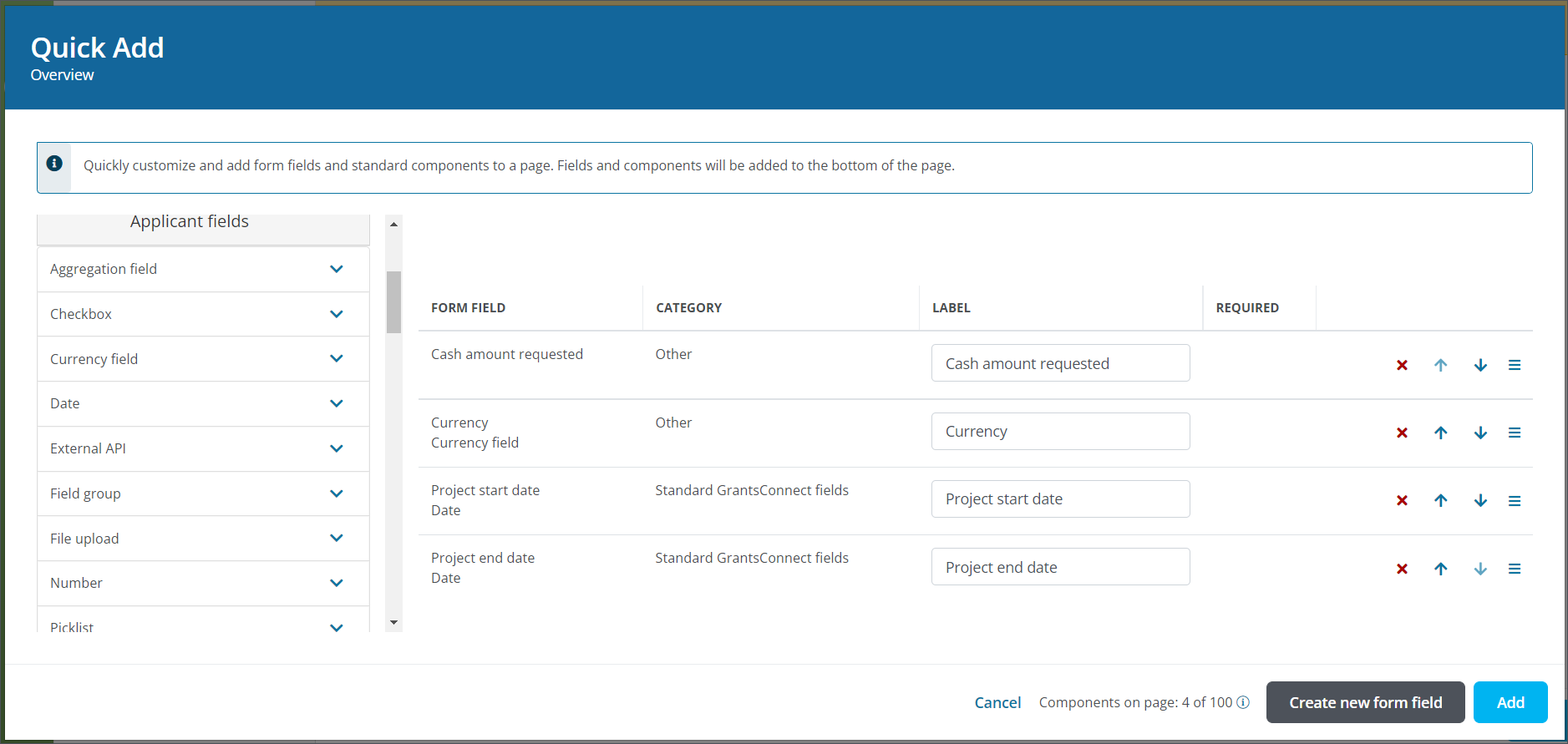
The component appears in the Form Field table after it is added.
Add applicant or grant manager fields
Fields created for Applicant and Grant Manager audiences are available from the Applicant fields and Manager fields sections in the field panel.
-
Open the Applicant fields or Manager fields section in the field panel.
-
Select the field type to view the available fields.
-
Select the plus sign next to the field you want to add.
Note: If no fields are available for the selected type, you can create a new form field. For more information, see Custom Fields.
The field appears in the Form Field table after it is added.
Add report fields
Report fields can also be added from the Report fields section in the field panel.
-
Open the Report fields section in the field panel.
-
Select the plus sign next to the field you want to add.
Note: The data object for each field, such as Applications / Nominations or Organizations, appears in the field name so you can identify the data source before you add it.
The field appears in the Form Field table after it is added.
Create and add new form fields
If the field you need does not already exist, select Create new form field to create it before adding it to the form.
Note: For more information about creating new fields, see Custom fields manager or the Create Forms with the Quick Add Tool learning.