Update Categories Assigned to Fields
There a multiple ways to add or change the category that is assigned to a field.
-
Option 1 - Edit the field and select the category in the Category field of the Edit Form Field screen.

-
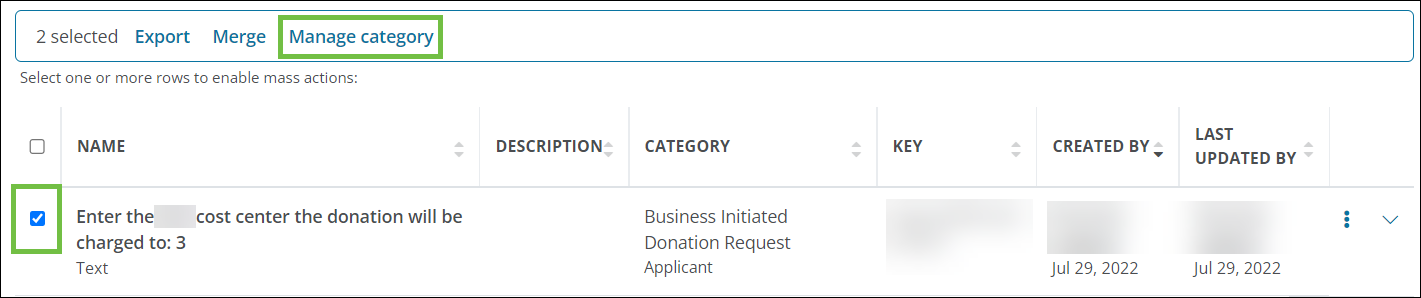
Option 2 - Select the checkboxes next to applicable fields in the Form Fields tab and then click on the Manage category option from the toolbar.
Note: For more information, see Field Categories.