This component is available only when configuring the pages of a Call Alert within the Advocacy application. It displays a list of the calls that the constituent has not yet completed. The component is shown by default on the on-screen thank you page, but can be placed on other pages as well.
To add a Remaining Actions component to an Advocacy Call Alert page:
-
Create a Call Alert.
-
Select Pages.
-
Select Customize Page in the Actions column for one of the constituent-facing pages.
-
In the WYSIWYG content editor, type a few words to introduce your component.
-
Place the cursor below your introduction. Select
 , Components.
 -
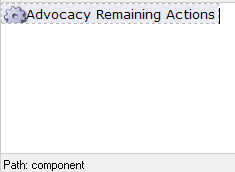
Select Advocacy > Remaining Actions. You will return immediately to the WYSIWYG content editor window, with the component displayed:
After the page is published and visible, constituents will see a list of the calls they have not yet made.