Add Branding to Standard Donation Forms
When you can’t embed a Standard Donation Form on your website, add your organization’s name, mission, and logo to help donors recognize and trust your brand. To learn how to create Standard Donation Forms, review Get Started with Standard Donation Forms.
Add a Mission Statement
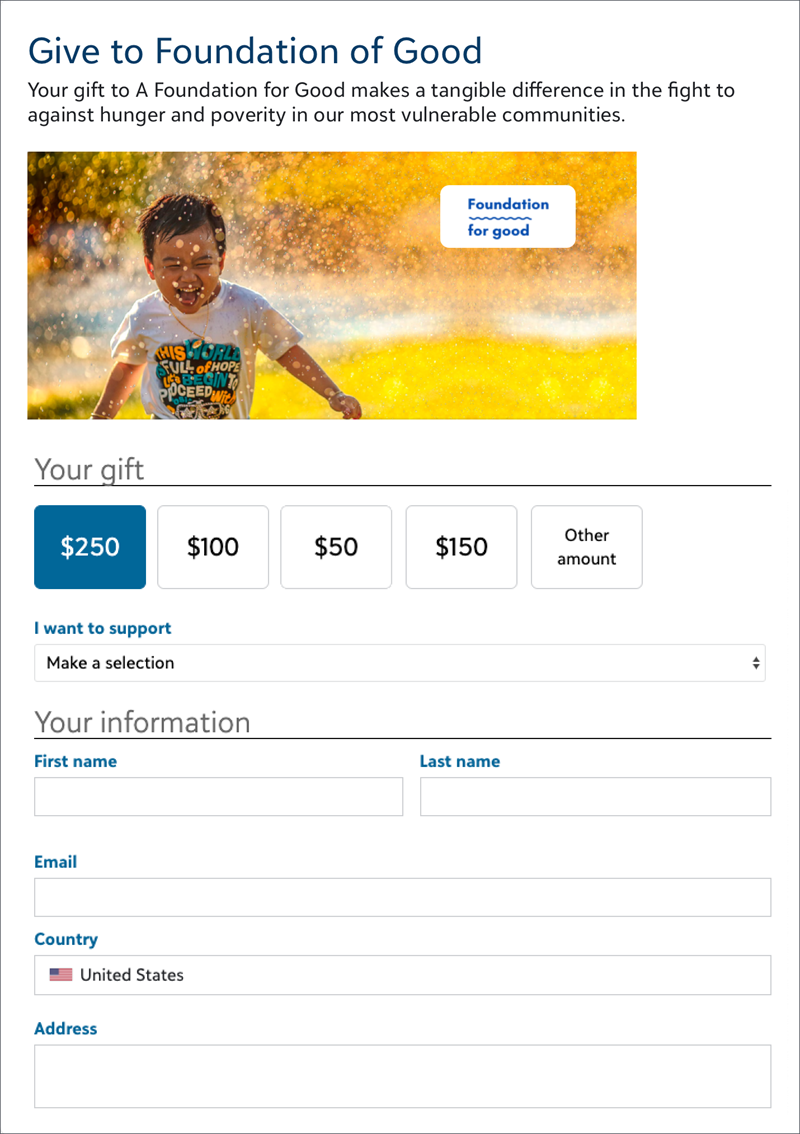
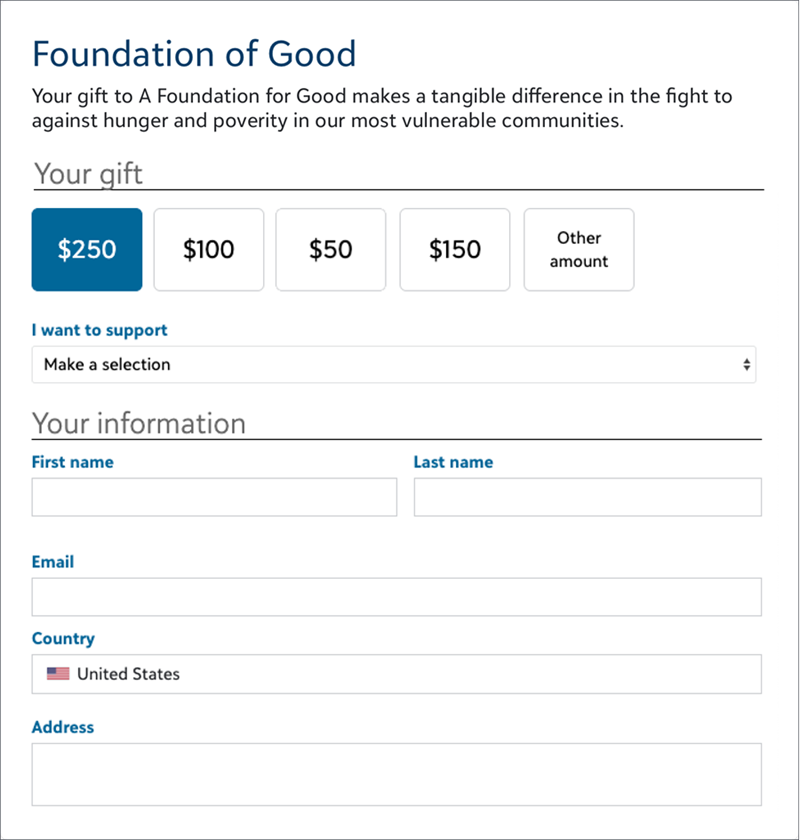
A mission statement is the text you choose to add to your donation forms that convey your organization's purpose and the reason for the fundraising effort.
To add text, create or edit a Standard Donation Form:
-
From Online Giving, select Donation forms.
-
Find the form and from its ellipsis, select Edit.
-
Under Form, select Content in the Form designer.
-
Select and drag Text only near the top of the form.
-
Enter your text and format it.
-
Select Done.
Add an Image or Logo
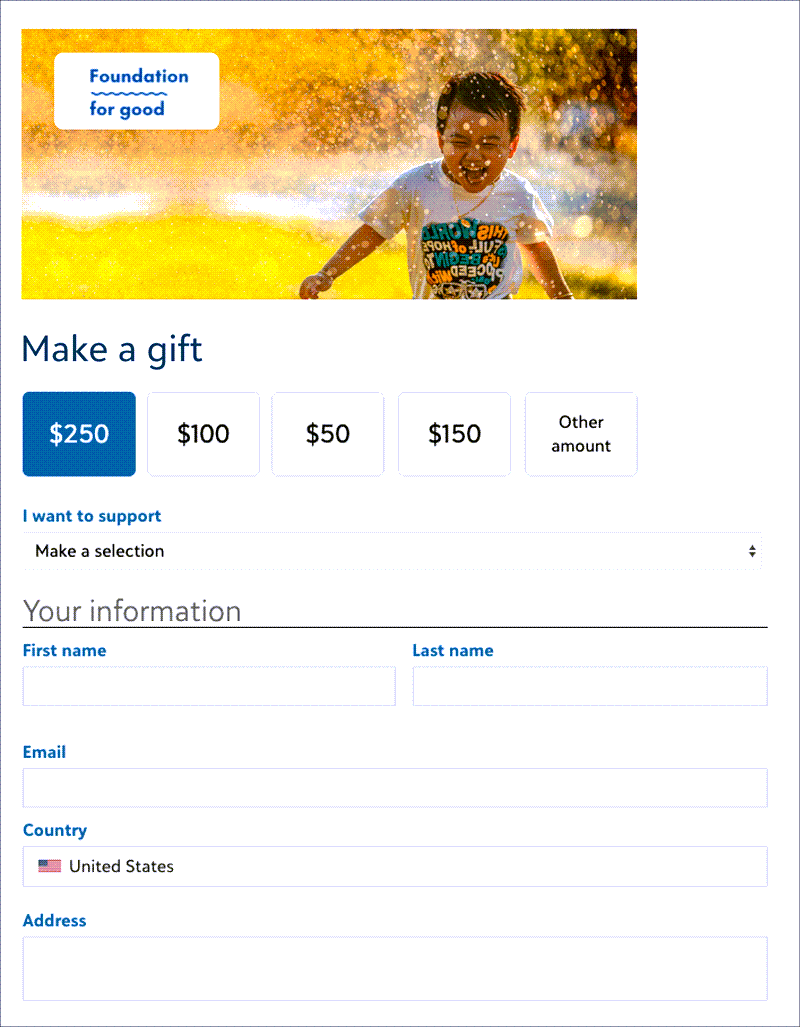
An image such as a logo or another compelling image helps convey the message of your mission and makes it easy for donors to recognize your organization.
Tip: To add an image, it must be less than 2 MB.
To add an image, create or edit a Standard Donation Form:
-
From Online Giving, select All donation forms.
-
Find the form and from its ellipsis, select Edit.
-
Under Form, select Content in the Form designer.
-
Select and drag Image near the top of the form.
-
Select Attach file to browse for the image.
-
Enter alternative text to describe the image.
-
Select Done.
 Mission statement and image