Publish Forms
Publish a custom form when it is ready for use in a program. Publishing changes the form status to Published and makes the form available for program setup.
Before you publish, review the form one last time to confirm the layout, field configuration, and required settings are correct. If you need help with what happens after a form is published, the Manage Published Forms topic explains how to work with published forms in the system.
Warning: This action cannot be undone.
-
Go to the Custom Forms > Forms tab.
-
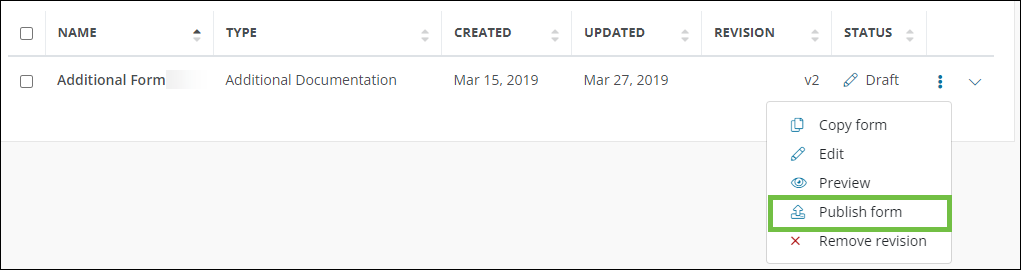
Select the ellipsis icon next to the form, and then choose Publish form.
-
Confirm the action to change the form status to Published.
After the form is published, it can be added to grant programs that use that form type.