Add Constituent
This tutorial is a guide for beginners. If you need more details or advanced settings, see Manage Your Constituents.
Navigate to constituent records
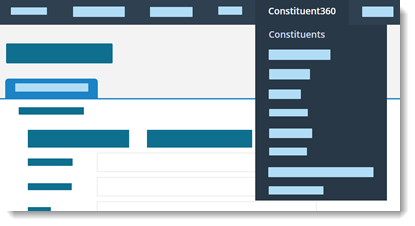
Select Constituent360 and Constituents.
Choose to add one or many constituents
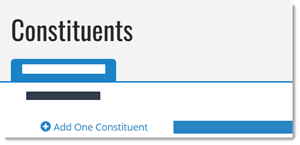
Select Add One Constituent.
Enter constituent details
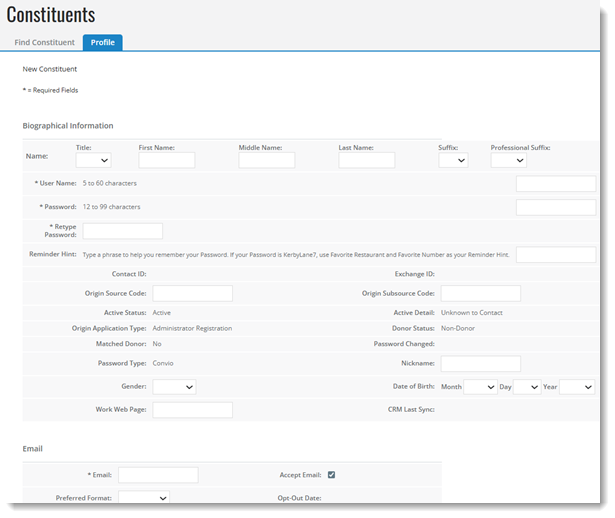
Fields with an asterisk are required and include:
-
Username (5-60 characters)
-
Password (12-99 characters)
-
Password confirmation
-
Email
Save the record
Scroll to the bottom of the form and select Save.