Update Form Details
Update form details to keep form metadata accurate for internal users and applicants. This helps teams maintain consistent form governance and clear applicant-facing context.
If you are deciding whether to update the current revision or create a new one, review Manage Form Revisions before making edits.
-
Navigate to the Custom Forms > Forms tab.
-
Select the ellipsis icon next to the form and then Edit.
-
On the Edit Form page, select Form detail.

-
In the Edit Custom Form screen, update the available details as needed.
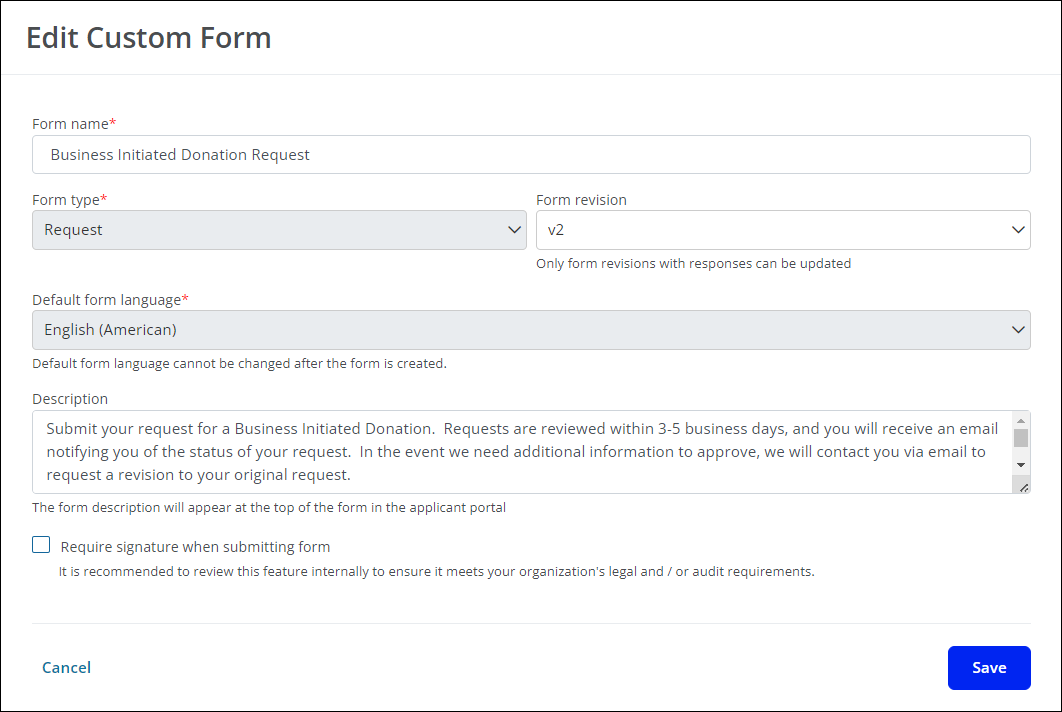
Warning: The form type and default language cannot be changed. Likewise, you cannot select a different form revision to edit until any changes made to the current revision are saved.
Note: The description is visible to applicants. Include details about the information being collected, expected review timelines, and links to organization resources such as privacy policies.
-
Save your changes.
After updating details, continue form maintenance in Manage Published Forms.