Delete Layout Components
Delete layout components when a section is no longer needed in the form design. Removing unused components helps keep forms easier to complete and easier to maintain.
Before deleting, review alternatives in Edit Layout Components and Show or Hide Layout Components. For broader context, see Add and Manage Layout Components.
Warning: Deleting a layout component also deletes any nested fields and components. This action cannot be undone.
-
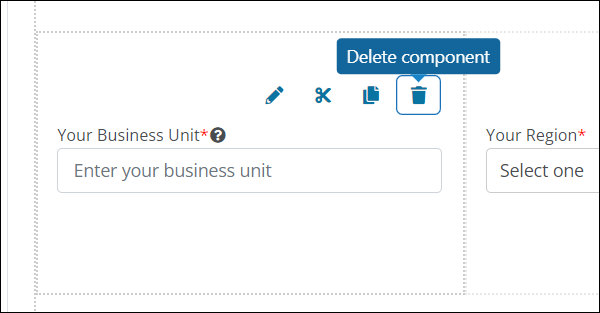
Hover over the component on the form page.
-
Select the Delete component icon from the toolbar that appears.
-
Confirm the action to delete the layout component from the form.